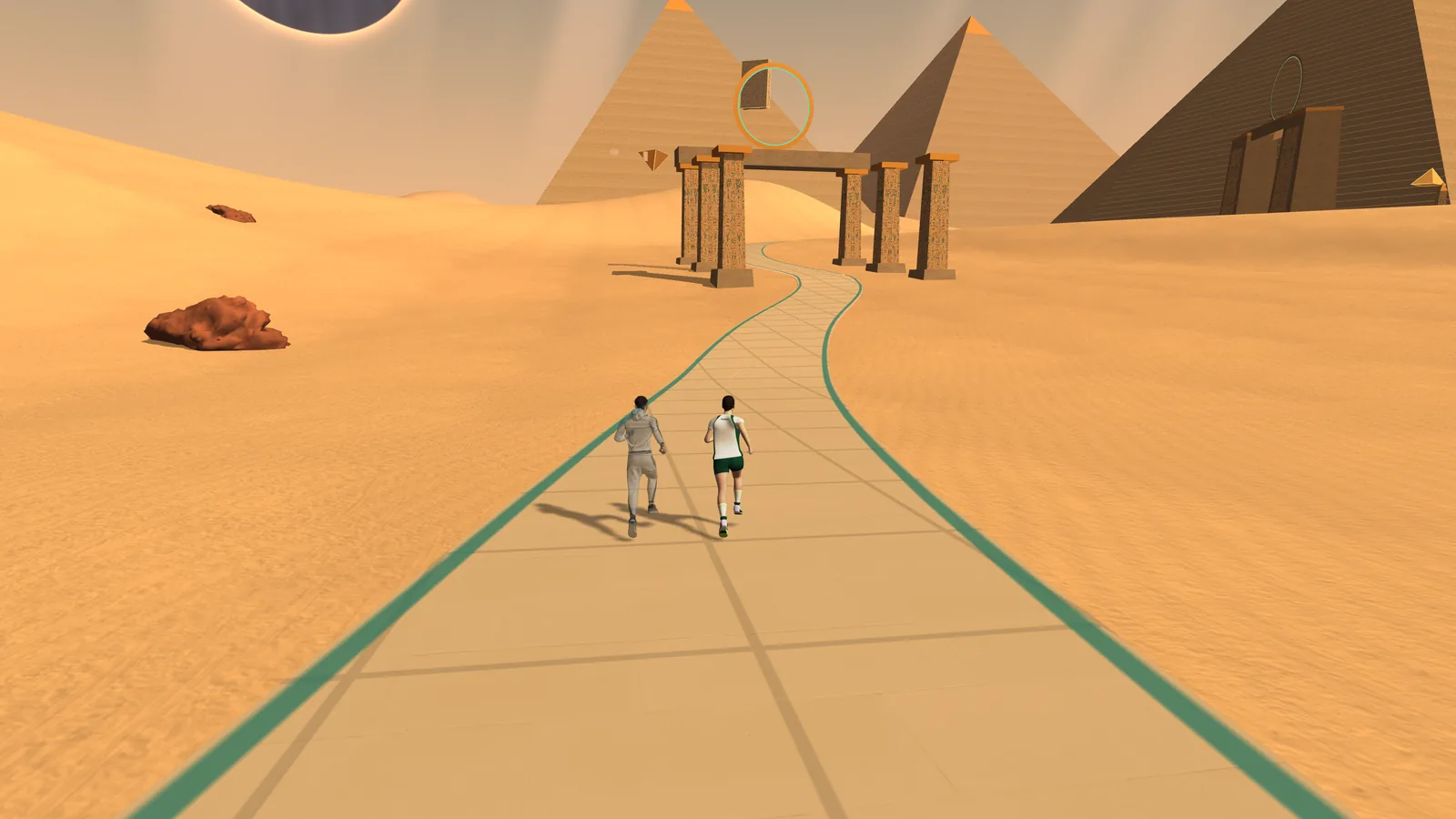
Explore 3D routes
Explore space, cross the desert or run around a lake. With the license, import a GPX track to bring back the route and terrain of your own runs.
RUNKYZ · TREADMILL RUNNING GAME
Explore 3D routes and run with a virtual pacer. Choose your terrain, set your treadmill and start your run.
On a phone, tablet or computer. How it worksOFFICIAL TRAILER
A real treadmill session, then the game: choosing between Wild Ring, Desert and Space, the pacer, speed and incline targets on climbs, a record to beat and GPX route import. On-screen text is in French.
01 / A GAME TO TRAIN WITH
With Runkyz, your workout takes place on a virtual route. Follow the road with your avatar, choose a pace and compare your sessions.
Explore space, cross the desert or run around a lake. With the license, import a GPX track to bring back the route and terrain of your own runs.
Set your virtual companion’s pace to keep a reference during the run. With a timestamped GPX file, it can also replay a recorded run.
Find your best times in the game, from 400 m to the marathon. Run the same route again to compare sessions in similar conditions.
02 / THE ROUTES
Desert and Wild Ring come with 3 free runs up to 10 km. The license unlocks unlimited runs, Space, longer distances and importing your GPX tracks.
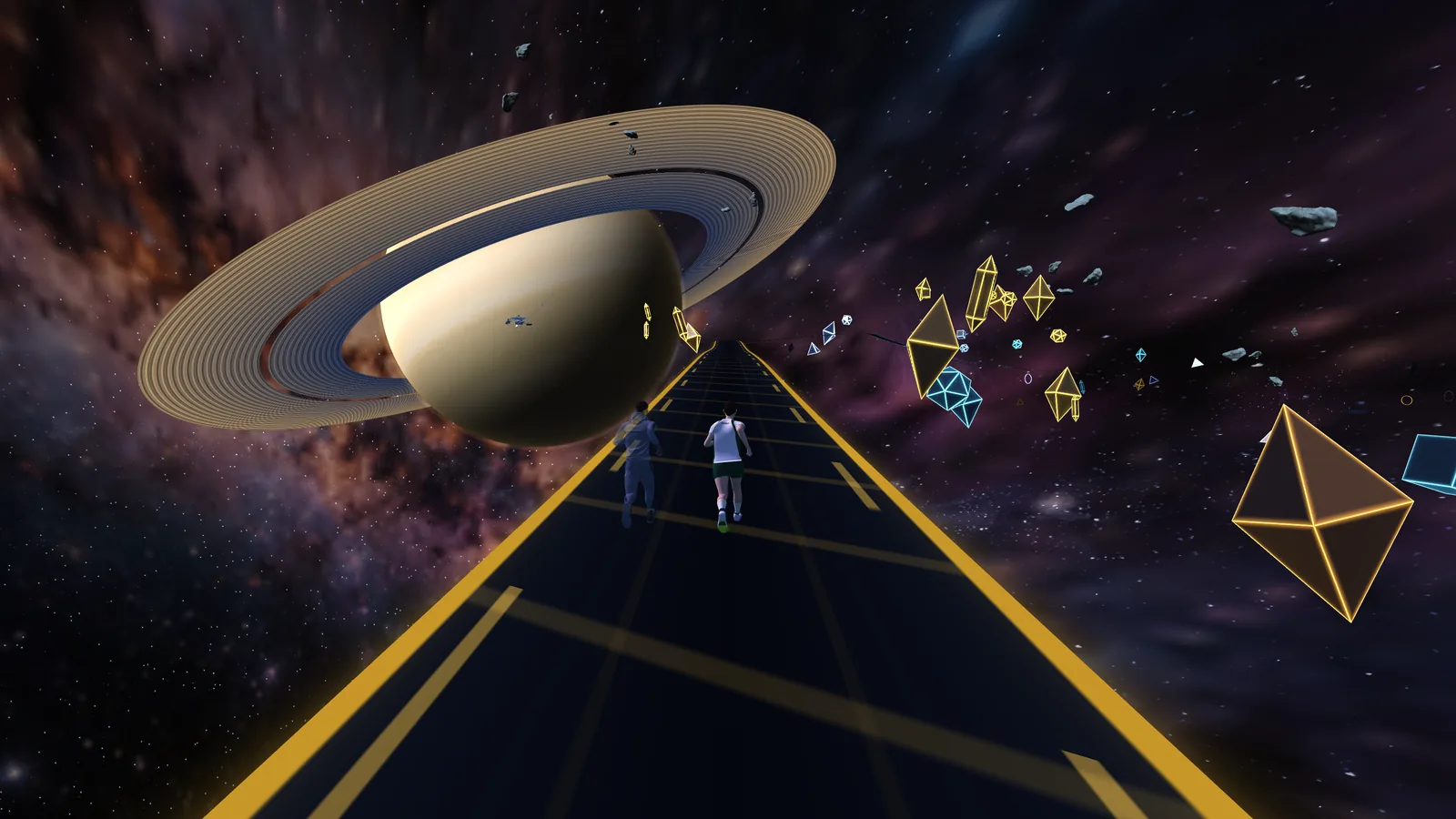
A run through space
A track suspended between planets, nebulae and asteroids. Choose your distance and profile to set the rhythm of your run.
Illustrative profile · flat, rolling or mountainous, your choice.
Get the appGot a recorded route? Import your GPX track with the license.
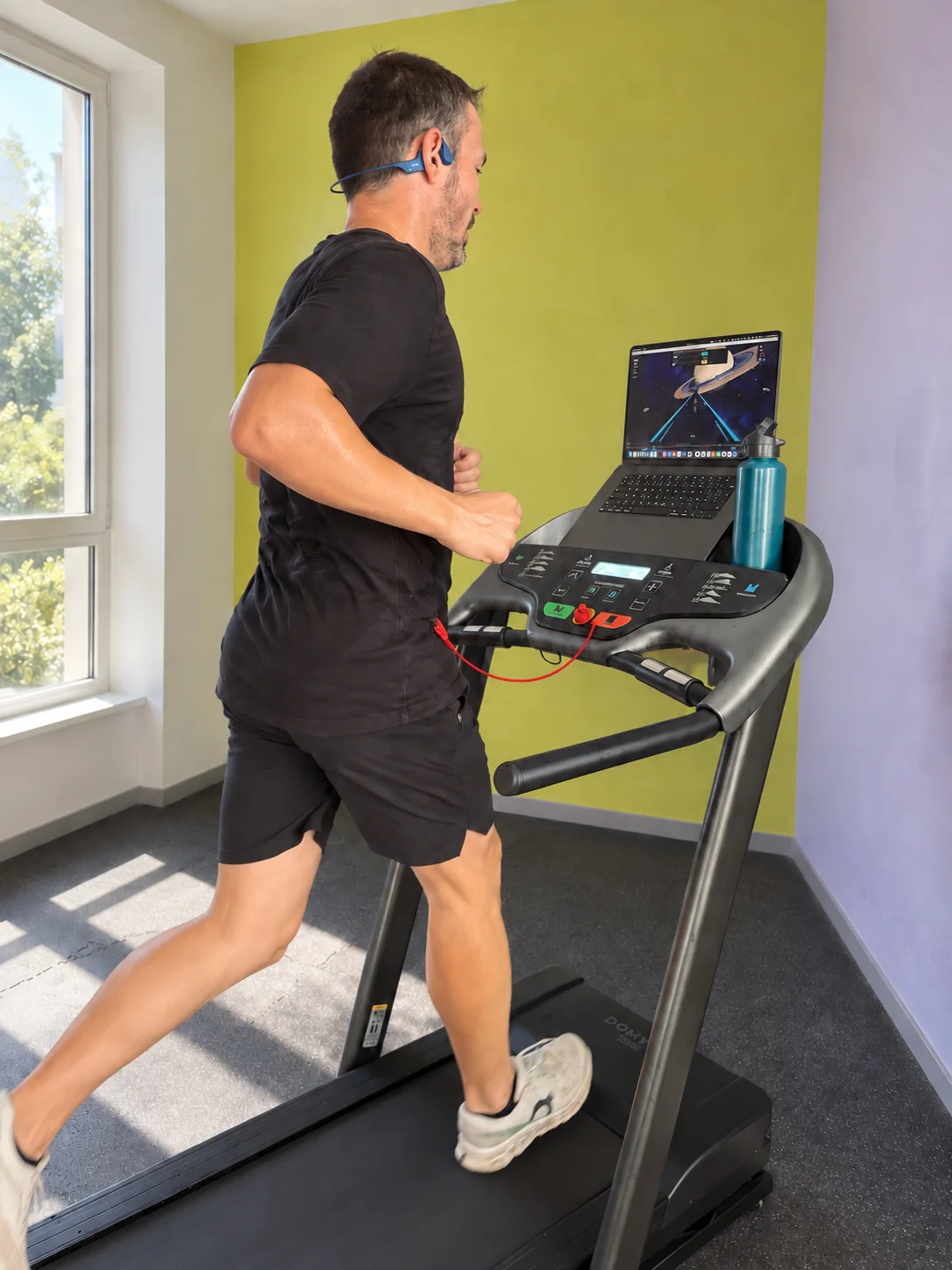
03 / INCLINE TREADMILL TRAINING
The route’s climbs and descents change the speed and incline targets. You copy them onto your treadmill console as you run.
Choose a reference pace and enter your machine’s limits. The game takes them into account when it suggests settings.
You set the treadmill from the targets shown. On Android, if your treadmill has Bluetooth (FTMS), Runkyz can follow its real speed and incline; it never controls the treadmill. Speed targets are in km/h.
Understand incline training04 / HOW IT WORKS
Here’s how to start your first session.
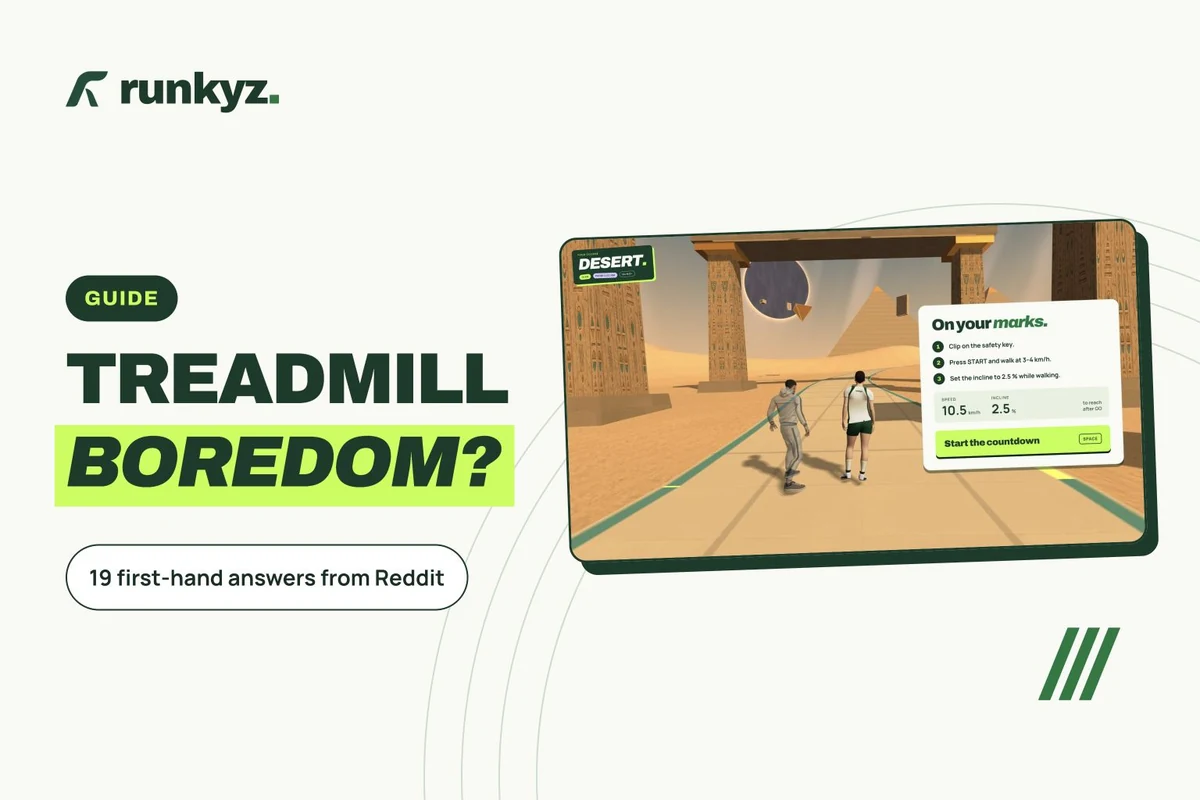
Choose your course. In the Courses tab, choose your universe. Here, Desert. Then pick a distance, and a profile: flat, rolling or high elevation. Click Continue.
Set your pace. Set your target pace. Run with a pacer, a virtual runner right beside you, or go solo. Then click Start run.
Get your treadmill ready. Before you go, get your treadmill ready: clip on the safety key, press START and walk, then set the incline shown. Ready? Press Space, or click Start the countdown.
Follow the banner. After GO, build up gradually to the speed shown. The banner gives you the speed and incline to set on your treadmill, and warns you before every change.
That’s it. Enjoy your run!
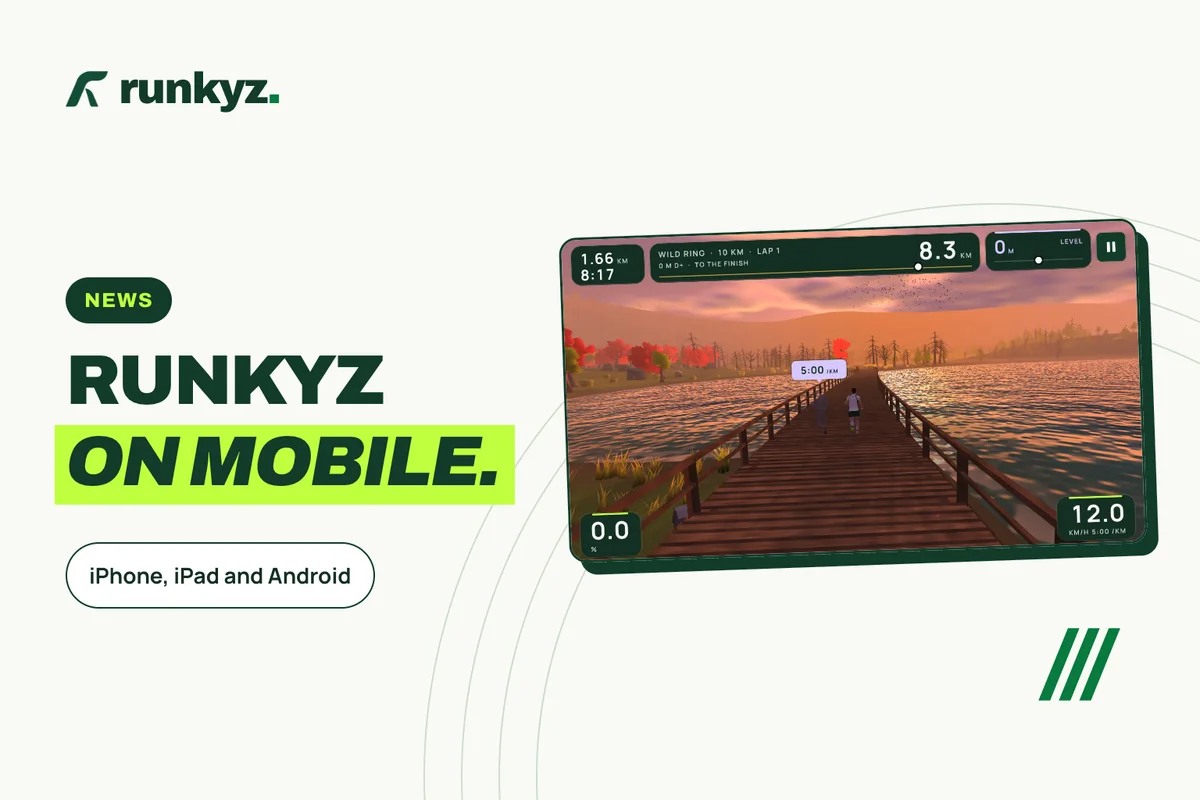
Install the app on a computer, an iPhone, an iPad or an Android device and put the screen where you can see it. Enter your treadmill’s speed and incline limits.
Start on Desert or Wild Ring: your first 3 runs are free, up to 10 km, and the Training tab gives you your first session. The license unlocks unlimited runs, the other sessions and the plans, Space, longer distances and your GPX imports.
Choose your reference pace. Copy the targets onto the treadmill console, then follow your progress along the route.
TREADMILL RUNNING GUIDES
FREE AND LICENSE
Choose your world and your distance before each run. Your first 3 runs on Desert and Wild Ring are free, up to 10 km.
ABOUT RUNKYZ
Runkyz is a game for running on a treadmill at home. You explore a 3D route with a virtual pacer. The game shows speed and incline targets that you set on your treadmill by hand.
The current version works with manual settings: you don’t need to connect your treadmill over Bluetooth. You need a treadmill with adjustable speed, ideally adjustable incline too, and a computer or an Android device. On Android, if your treadmill has Bluetooth (FTMS), Runkyz can follow its real speed and incline; it never controls the treadmill. Speed targets are shown in km/h.
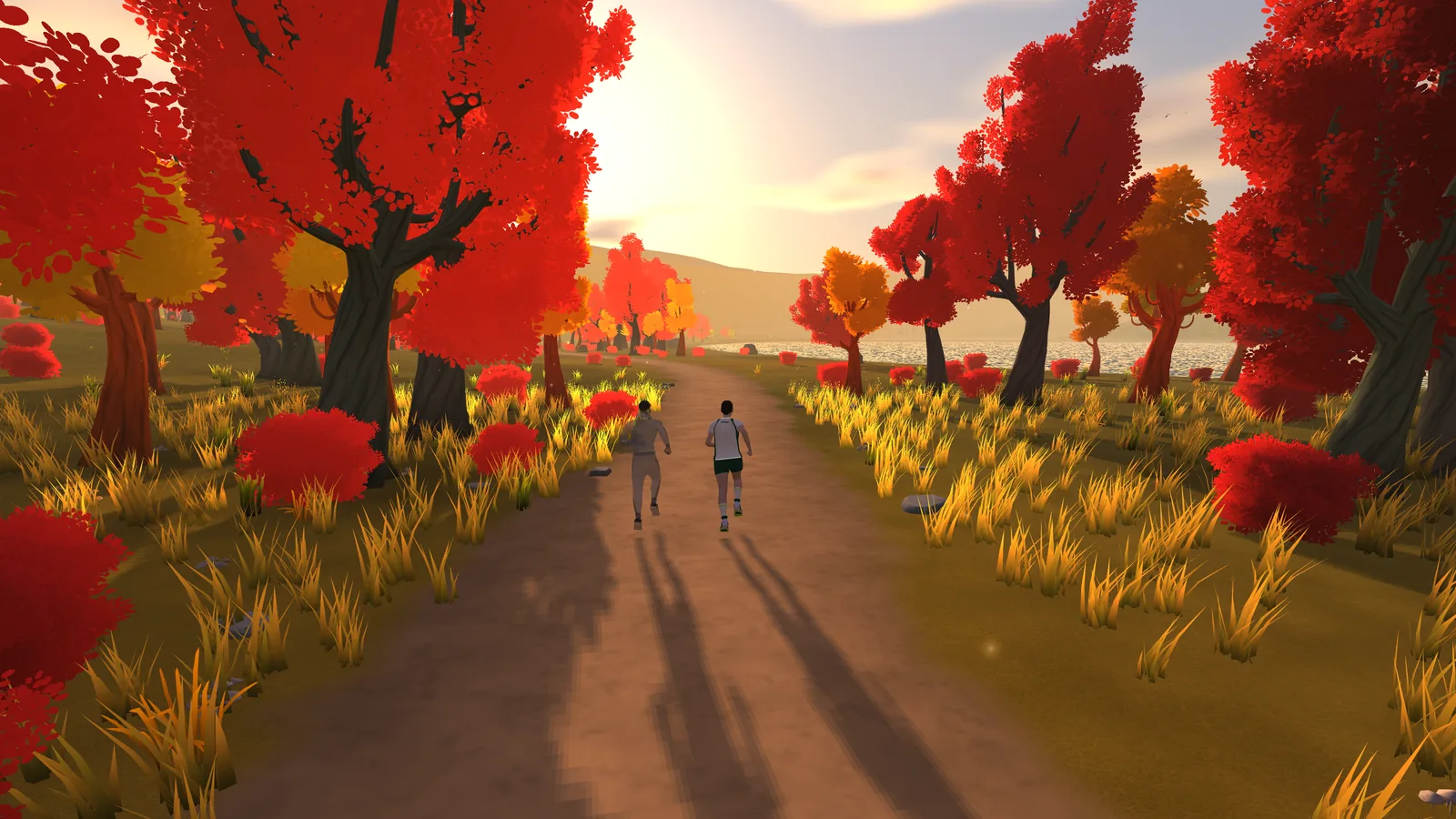
Yes, to get started: on Desert and Wild Ring, your first 3 runs are free, up to 10 km, and the Training tab gives you your first session. The license unlocks unlimited runs, the other sessions and the training plans, Space at every distance, distances over 10 km in every world and GPX import. Wild Ring has a flat 2 km loop through a valley: you run laps until you reach the distance you chose.
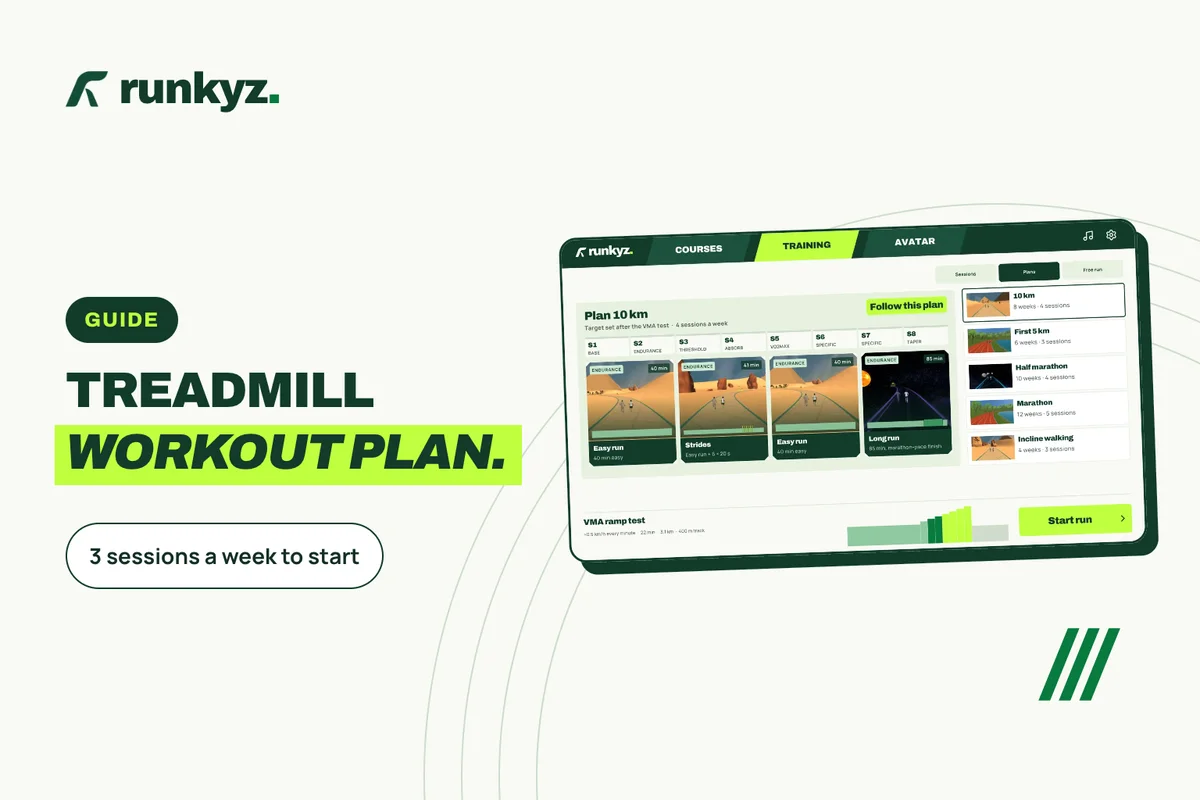
Yes: the Training tab offers 18 sessions (endurance, threshold, VO2max, hills, tests) and 5 plans, from a first 5K to the marathon, plus an incline walking plan. Paces are set by your best times in Runkyz, a VMA ramp test or a 5 km time trial. The first session is free; the next ones and the plans come with the license. Runkyz doesn’t import workouts from other apps.
Yes, with the license: import a GPX file, for example exported from Garmin Connect or Strava. Runkyz rebuilds its track and terrain in a 3D setting. If the file includes timestamps, the pacer can replay your run. It isn’t a photographic copy of the place.
You can run with a virtual pacer and replay a recorded run. Online multiplayer isn’t available yet.
Zwift offers 3D worlds shared online and Kinomap filmed videos. Running on Zwift is free; Kinomap offers limited free access and videos with a subscription. These apps follow your speed with compatible equipment. Runkyz works with any treadmill set by hand, and on Android it can also follow a Bluetooth (FTMS) one: Desert and Wild Ring come with 3 free runs up to 10 km, and the license is a €9.99 one-time purchase. Read our treadmill app comparison.
DOWNLOAD RUNKYZ
Your first 3 runs on Desert and Wild Ring are free, up to 10 km. The license unlocks unlimited runs, Space, distances over 10 km and importing your GPX tracks.


On your computer · Latest version
macOSIntel and Apple silicon · DMGWindows64-bit · ZIPLinux64-bit · TAR.GZ