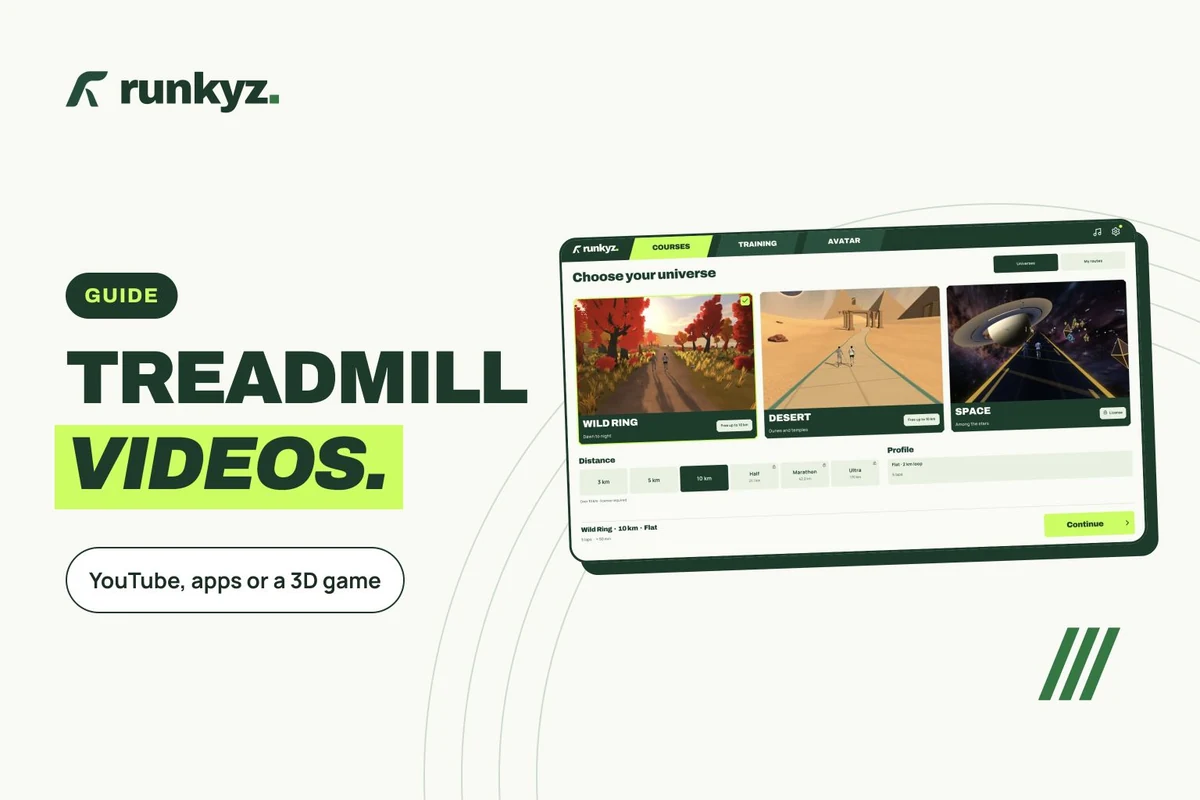
Four kinds of treadmill videos
The main difference is speed: a YouTube video plays at the pace it was filmed, while a video app adjusts to your pace if it knows it. App prices are in the treadmill app comparison.
| Type | Examples | Follows your speed? | Access |
|---|---|---|---|
| Scenery on YouTube | Virtual Running Videos, Virtual Run TV, City Walks | No: you can only speed playback up or slow it down | Free |
| Video app | Kinomap, BitGym | Yes, with a connected treadmill, a sensor, or the device’s camera with BitGym | Subscription; Kinomap’s map mode is free |
| Coach-led workout | iFIT | On compatible machines, iFIT sets the speed and incline itself | Subscription |
| 3D game | Runkyz, Zwift | Runkyz shows targets to set; Zwift reads a sensor or a compatible treadmill | Runkyz free up to 10 km; Zwift by subscription |
YouTube channels with scenery for the treadmill
These channels post routes filmed at a runner’s or walker’s eye level. Pick a video filmed at a pace close to yours, then adjust the playback speed in YouTube’s settings.
| Channel | Subscribers | For | Worth knowing |
|---|---|---|---|
| Virtual Running Videos | 111,000 | Running | 154 videos; one playlist shows distance, time, incline, elevation and a map |
| Virtual Run TV | 23,000 | Running | 174 videos; still posting in September 2026 |
| Virtual Running Adventures | 28,900 | Running | 130 videos |
| City Walks | 62,800 | Walking | City walks, including videos titled for the treadmill |
| Prowalk Tours | 766,000 | Walking | Walking tours of cities, not filmed with the treadmill in mind |
Sources: YouTube — Virtual Running Videos ↗ · YouTube — Virtual Run TV ↗ · YouTube — Virtual Running Adventures ↗ · YouTube — City Walks ↗ · YouTube — Prowalk Tours ↗ · YouTube Help — playback speed ↗
Apps whose video follows your speed
Kinomap advertises over 40,000 videos for cycling, running, walking and rowing. The video moves at your speed if the app knows it: a connected treadmill, or a Bluetooth or ANT+ sensor. After a 14-day trial, videos need a subscription; map mode stays free.
BitGym advertises “over 300+ immersive global workouts” on the US App Store, and can follow your movement with the device’s camera, with nothing connected to the treadmill. iFIT advertises over 10,000 workouts of every kind, filmed outdoors on all seven continents; on compatible machines, such as NordicTrack treadmills, speed and incline change on their own.
Sources: App Store — Kinomap ↗ · Kinomap — What features are free ↗ · App Store — BitGym ↗ · App Store — iFIT ↗
Where to put the screen
Treadmill makers warn about distractions: a Spirit Fitness treadmill manual lists watching television and reading among the things that can make you lose your balance. So place the screen where you look straight ahead, without turning your head.
In front of you, at eye level
A screen off to the side makes you turn your head and shoulders. Another maker’s guide, from Johnson Health Tech, says to keep your body and head facing forward.
The console always in view
You should be able to read the speed and reach the buttons without looking away from the screen for long. Put a tablet or laptop in front of the console without covering it.
The safety key clipped on
Clip the safety key to your clothes before you start the belt: if you drift too far back, it stops the treadmill.
Sources: Spirit Fitness — XT685 treadmill manual ↗ · Johnson Health Tech — treadmill guide ↗
A 3D route instead of a video
Videos have a limit, which one of the people who answered me pointed out: after a while, the same hiking videos get old. A 3D game adds what a video can’t show: a pacer to follow, the distance left and a time to beat.
Runkyz has three worlds: a 2 km loop through forest, waterfall and lakeside, a desert of pyramids and a route through space. Desert and Wild Ring are free up to 10 km. The game shows the speed, in km/h, and the incline to set on the console; on Android it can also follow the real speed of an FTMS treadmill.
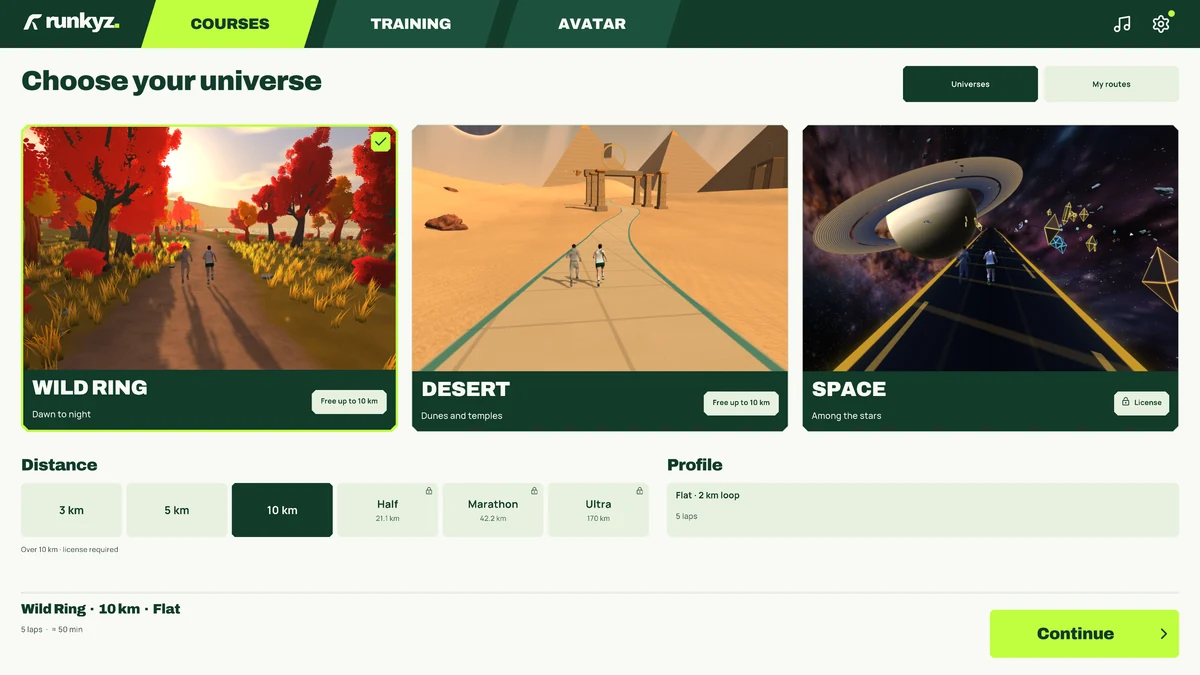
IN RUNKYZ
A 3D world and a pacer, with no video to sync.
Desert and Wild Ring are free up to 10 km: pick your pace, and the game shows the speed and incline to follow.