What a walking pad changes
A walking pad is built for walking, often under a desk. At WalkingPad, the A1 Pro, C2 and Z1 top out at 6 km/h (3.7 mph), with no incline. Many are set with a remote or an app, with no console in front of you.
WalkingPad’s app, KS Fit, offers workouts, goals and plans, and syncs with Apple Health and Google Fit. It shows no route and no scenery: to walk somewhere, you need another app or a video.
Sources: WalkingPad — the KS Fit app ↗ · WalkingPad — the models ↗
The free options, one by one
Every option here works at walking speed. The table shows what stays free and whether the screen follows your speed.
| Option | On screen | What is free | Does the screen follow your speed? | What you pay for |
|---|---|---|---|---|
| YouTube | Walking tours filmed in cities or nature | Everything | No: you speed playback up or slow it down | Nothing |
| Kinomap | Routes on a map with an avatar; filmed videos with a subscription | A 14-day trial, then map mode with no time limit | Yes, with a compatible treadmill, a sensor or the phone camera | The videos: $11.99 a month or $89.99 a year |
| BitGym | Filmed tours | 8 tours that rotate, with no time limit | Yes, through the device camera | The full catalog: $13.99 a month or $99 a year |
| Zwift | 3D worlds shared online | Running, currently, which accepts walking | Yes, with a compatible treadmill or a sensor | Nothing to run or walk |
| Runkyz | Three 3D worlds, with a pacer | 3 runs on Desert and Wild Ring, up to 10 km | With a Bluetooth FTMS treadmill on Android; otherwise you set the speed on screen | Beyond the 3 runs, Space, workouts and GPX import: a €9.99 one-time license |
Sources: Kinomap — free features ↗ · Kinomap — pricing ↗ · BitGym — the free version ↗ · BitGym — pricing ↗ · Zwift — Running FAQ ↗
Treadmill walking videos on YouTube
Four channels have each posted hundreds of walks filmed at eye level. City Walks presents its videos as treadmill workouts; Prowalk Tours, Watched Walker and Rambalac film cities at a real walker’s pace, without the treadmill in mind.
The video does not know your speed. If passers-by overtake you or you catch up with the camera, change the playback speed in the player. The treadmill videos guide compares more channels, mostly for running.
Find a walk
Search for “walking tour 4K” or “treadmill walk”, followed by a city or a landscape.
Match playback to your stride
In the player settings, switch to 0.75 or 1.25 if the scenery moves too slowly or too fast.
| Channel | Subscribers | Videos | What it films |
|---|---|---|---|
| City Walks | 63,200 | 701 | 4K walking tours presented for the treadmill, in cities and nature |
| Prowalk Tours | 768,000 | 674 | Italy and other countries, with no narration |
| Watched Walker | 372,000 | Over 1,300 | London and other big cities |
| Rambalac | 627,000 | Over 1,500 | Japan, street after street |
Sources: YouTube — City Walks ↗ · YouTube — Prowalk Tours ↗ · YouTube — Watched Walker ↗ · YouTube — Rambalac ↗ · YouTube Help — playback speed ↗
Making the route follow your speed
For the route to move at your pace, the app needs your speed. There are two ways: the pad’s Bluetooth, or the camera of the tablet or phone.
For Bluetooth, look up your exact model in the app’s compatibility list. Kinomap’s list puts several WalkingPads among the treadmills that send their speed, including the A1P, C2, Z1 and R2. Zwift’s list of confirmed treadmills has none. KingSmith does not say whether its pads speak FTMS, the Bluetooth protocol shared by fitness apps: the smart treadmill guide explains how to check.
For the camera, BitGym follows your movement through the front camera of the device in front of you, with nothing connected to the pad. Kinomap also accepts the phone camera as a sensor.
Sources: Kinomap — compatibility list ↗ · Zwift — compatible running hardware ↗ · BitGym — camera tracking ↗
Kinomap and Zwift at walking speed
In Kinomap, the activity is called “Run & walk”. Map mode stays free after the trial; filmed videos need a subscription. What stays free in Kinomap is listed feature by feature.
Zwift has no separate walking mode: running, free for now, accepts walking paces. According to a Zwift support reply on its forum, the avatar walks below about 6.8 km/h (4.2 mph). Running on Zwift needs a speed sensor or a compatible treadmill.
Sources: Kinomap — run and walk ↗ · Zwift forum — walking, not running ↗
Walking in Runkyz
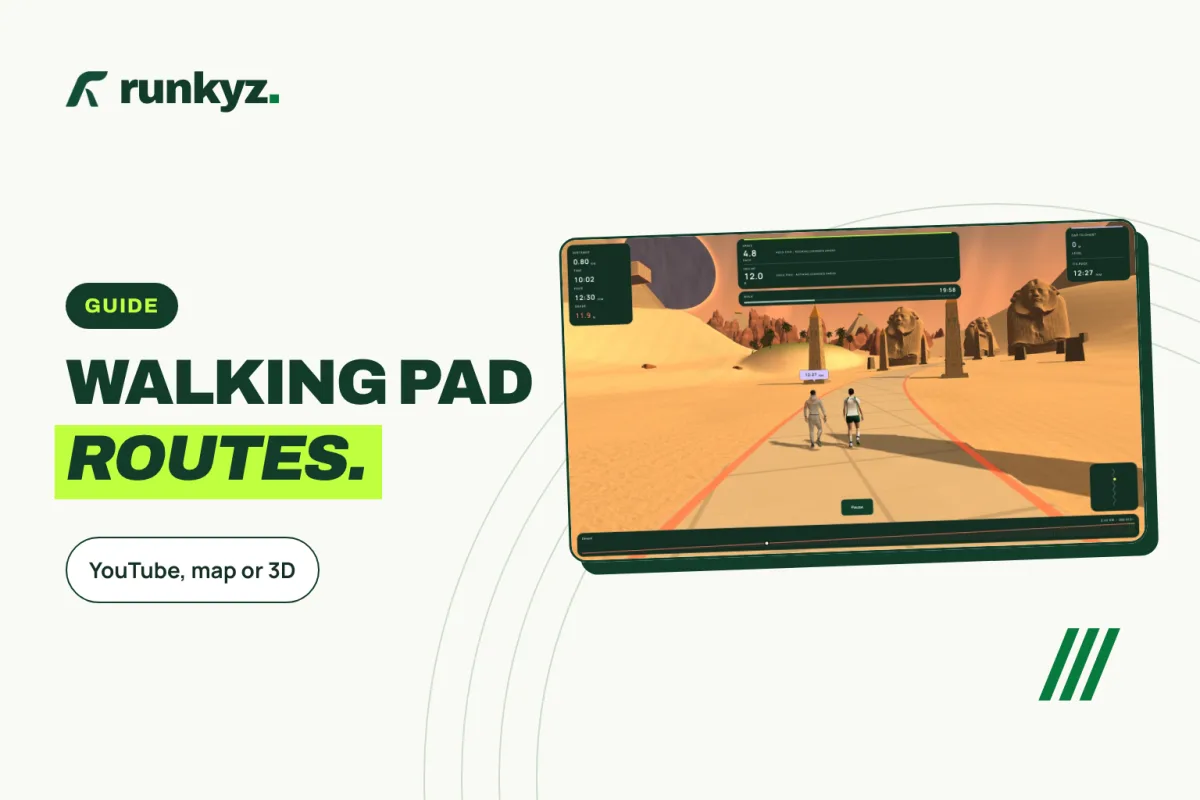
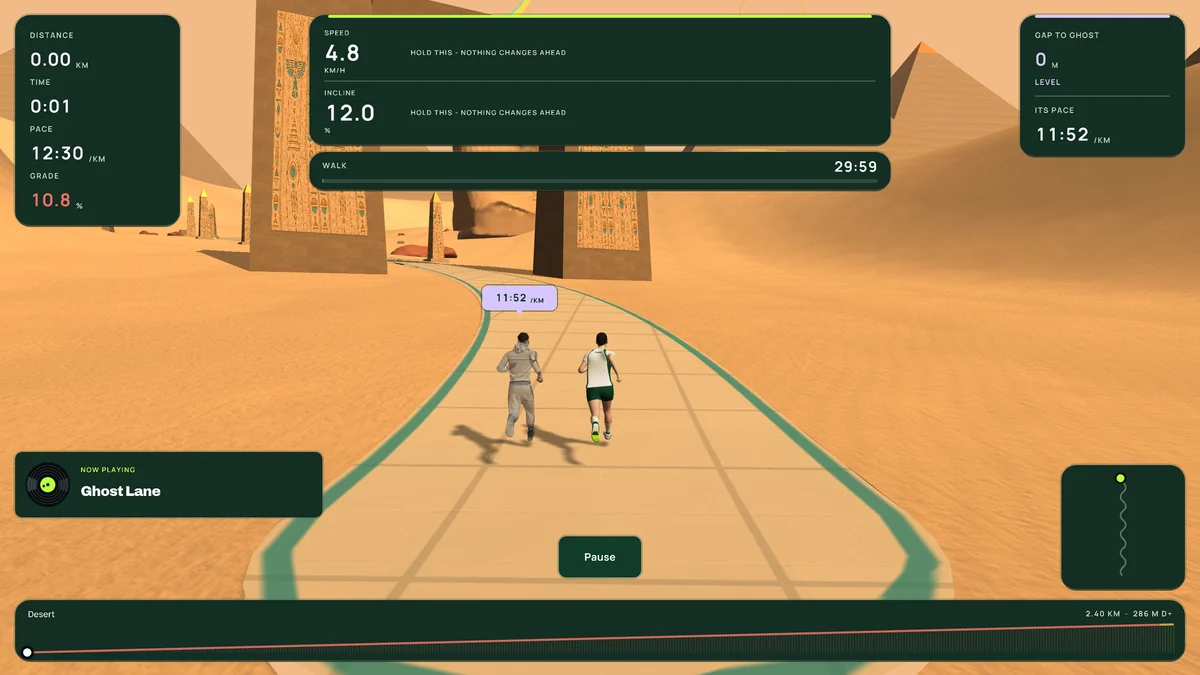
Runkyz is our game: three 3D worlds, a pacer, and the distance ticking by. The first 3 runs on Desert and Wild Ring are free, up to 10 km, and you can walk them.
In the settings, choose “Walking pad”: the game stops at 6 km/h, flat, and its paces start at 1 km/h. During the run, the on-screen + and − buttons follow your pad’s speed, and the game keeps that setting to the end. On Android, a Bluetooth FTMS treadmill sends its speed by itself. Runkyz never controls the treadmill.
The walking sessions in the Training tab, such as the 12-3-30, take place in Desert; the first one is free. On a walking pad, the ones that ask for an incline are marked “Needs an incline” and are walked flat, at their own speed. For a plan made without an incline, follow the treadmill walking plan on the flat.
Which virtual walk suits your walking pad?
Start from what your pad can send, then from what you want to see.
- A pad without Bluetooth: a YouTube walking tour, BitGym and its camera, or Runkyz set to Walking pad.
- A pad Kinomap recognizes: the free map mode, then the trial to judge the videos.
- To walk with others online: Zwift, with a sensor or a compatible treadmill.
- For a goal to reach rather than scenery: Runkyz, its pacer and its distance.
IN RUNKYZ
Walk through Desert or Wild Ring: 3 free runs.
Set the game’s speed to your walking pad’s, with no sensor and no subscription.