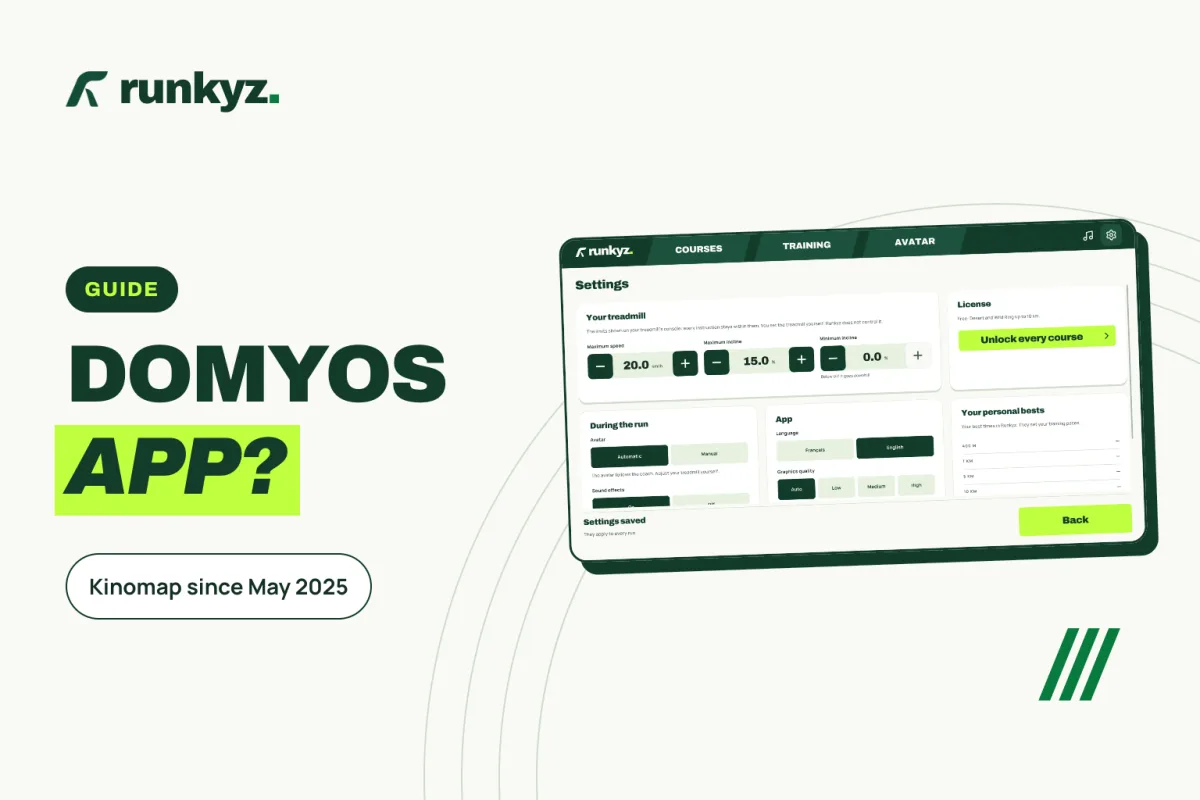
Kinomap replaced E-Connected in May 2025
Decathlon handed the connected experience of its treadmills to Kinomap on May 19, 2025. E-Connected workout history could be imported into Kinomap until the end of 2025.
With a Decathlon account and a machine designed by Decathlon, Kinomap includes part of its premium benefits at no extra cost. The app is built around filmed routes, and Decathlon says the incline of its treadmills follows the terrain automatically.
Sources: Decathlon — the Kinomap app with Decathlon (in French) ↗ · Decathlon — Kinomap and Domyos (in French) ↗
The five Domyos treadmills and their apps
Connectivity changes from one model to the next, and sometimes between versions of the same model: check the exact reference in your manual or on Decathlon’s support site.
| Model | Top speed | Max incline | Belt | Bluetooth FTMS | Apps named by Decathlon |
|---|---|---|---|---|---|
| T520B | 13 km/h (8.1 mph) | 10%, motorized | 43 × 123 cm | Not mentioned | None |
| RUN100 | 14 km/h (8.7 mph) | 0 or 3%, set with the feet | 45 × 120 cm | Yes | Kinomap, Zwift |
| RUN500 | 16 km/h (9.9 mph) | 10%, motorized | 45 × 130 cm | Yes | Kinomap |
| T900D | 18 km/h (11.2 mph) | 10% | 50 × 143 cm | Not stated | “Partner apps” |
| Challenge Run | 22 km/h (13.7 mph) | 12% | 50 × 140 cm | Yes | Kinomap |
Sources: Decathlon Pro — T520B (in French) ↗ · Decathlon (Réunion) — RUN100 (in French) ↗ · Decathlon — RUN100 launch release (in French) ↗ · Decathlon Pro — RUN500 (in French) ↗ · Decathlon Pro — T900D (in French) ↗ · Decathlon Pro — Challenge Run (in French) ↗
Zwift works with the RUN100 once FTMS is on
According to Decathlon’s support site, Zwift is only available with the RUN100E treadmill. You first turn on the treadmill’s FTMS function in the E-Connected app, from the equipment settings. On Android, Decathlon adds that location must be on for Bluetooth Low Energy.
QZ, an open-source app published on GitHub, bridges Zwift and many smart treadmills. Its code is under the GPL-3.0 license and still updated in 2026.
Sources: Decathlon — Zwift (in French) ↗ · GitHub — QZ (qdomyos-zwift) ↗
Playing on a Domyos treadmill with Runkyz
Runkyz shows the speed and incline to set on the console, so it works on all five models, the T520B included. On Android, with an FTMS treadmill such as the RUN500, the game also follows your real speed and incline; it only reads them and never sends the treadmill a command. This has not been tested on a Domyos treadmill yet.
Enter the treadmill’s limits
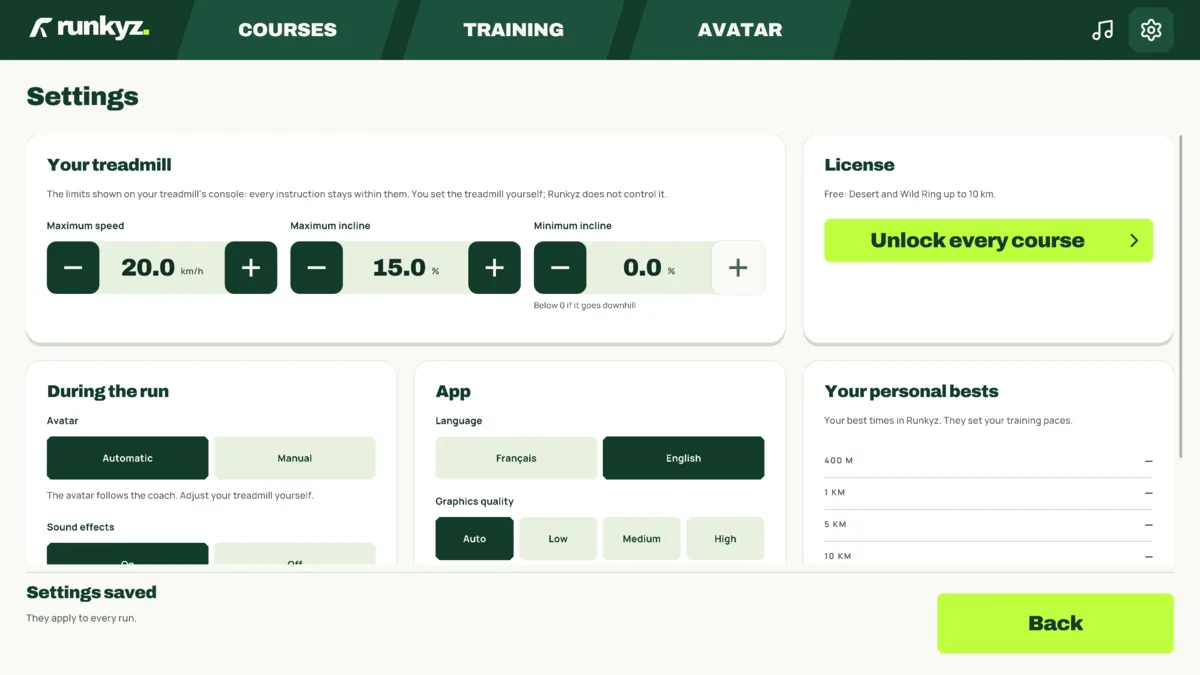
In Settings, on the Your treadmill card, enter the top speed and maximum incline: 16 km/h and 10% for a RUN500, 14 km/h and 0% for a RUN100 used flat.
Pick a route or a workout
Desert and Wild Ring are free up to 10 km, with no account. When the route climbs more than your treadmill can, the game holds your maximum incline and raises the speed to keep a similar effort. Targets are shown in km/h.
Set the console as you run
The game shows each new speed and incline target, which you apply with the console keys or the remote. On Android, a lone FTMS treadmill nearby connects by itself; if several answer, pick the name shown on the console’s Bluetooth page.
IN RUNKYZ
Runkyz runs on every Domyos treadmill.
Start Desert or Wild Ring, free up to 10 km, and set the targets on your console.